
Is Your POS Data a Mess? 5 Simple Ways Your Digital Records Slow Down Australian Hospitality Tax Season
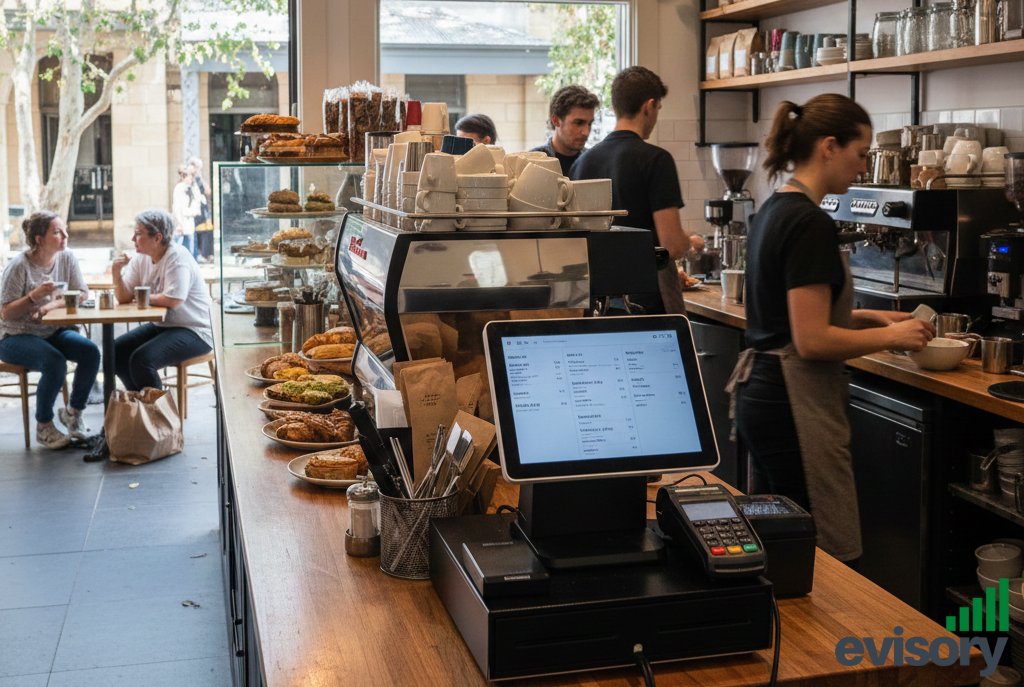
Clean up your POS data to avoid tax season delays and ensure accurate reporting for your Australian hospitality business.
The smell of brewing coffee, the clinking of glasses, and the murmur of happy customers capture the Australian hospitality dream. However, behind the busy bar and the packed reservation book lies the often messy reality of accounting. When tax season arrives, the dream can quickly turn into a data nightmare, especially if your Point of Sale (POS) system isn't syncing well with your financial records.
In the fast-paced world of cafes, restaurants, and hotels, your POS is the core of your operation, recording every dollar that comes in. Yet, for many Australian hospitality businesses, this critical source of data becomes the biggest bottleneck during tax prep.
Why does this happen? Common operational habits create digital record-keeping issues that lead to costly delays, headaches for your accountant, and possibly missed deductions.
This article explores the five most common POS data errors that complicate your tax season. It also provides simple, actionable steps to tidy up your digital records.
The Hidden Cost of Messy Data in Hospitality Accounting
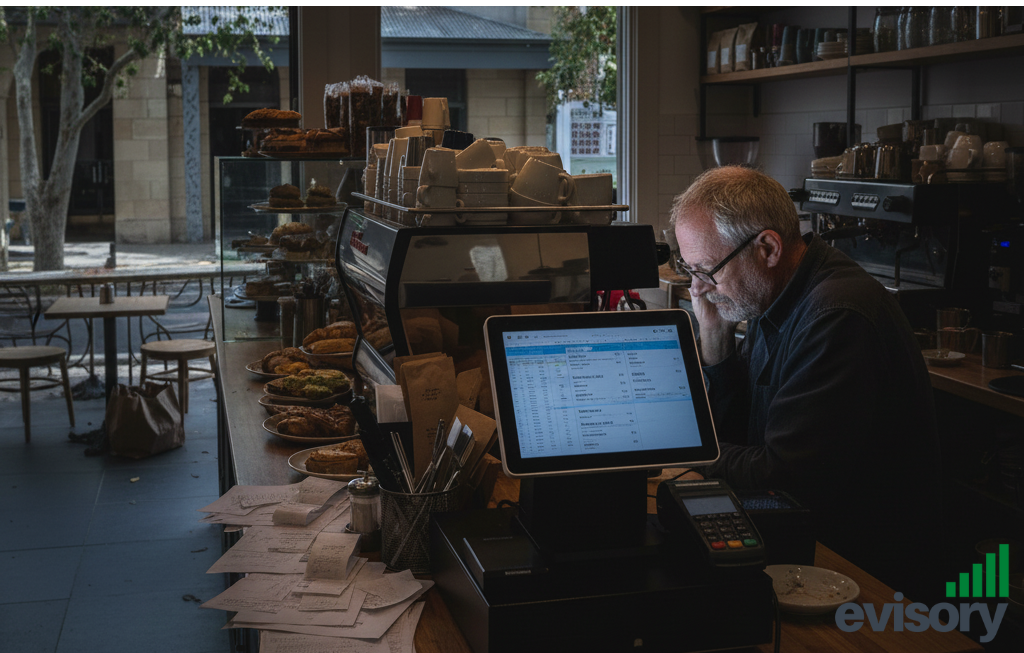
Messy data turns tax season into a stressful clean-up job.
For a hospitality business, tax season isn't just about filing; it's about reporting everything from daily sales and GST collected to staff wages and stock purchases. Most of your sales data—your revenue, which is the foundation of your tax return—comes from your POS system.
When this data is flawed, incomplete, or incorrectly transferred, it forces your accountant to spend hours on manual reconciliation, fixing errors that could have been corrected quickly. This is not only inefficient; it's costly, as cleaning up data by a professional comes at a high price.
Let’s explore the five habits slowing you down.
1. The Duplicate Data Nightmare: The "Income Duplication" Trap
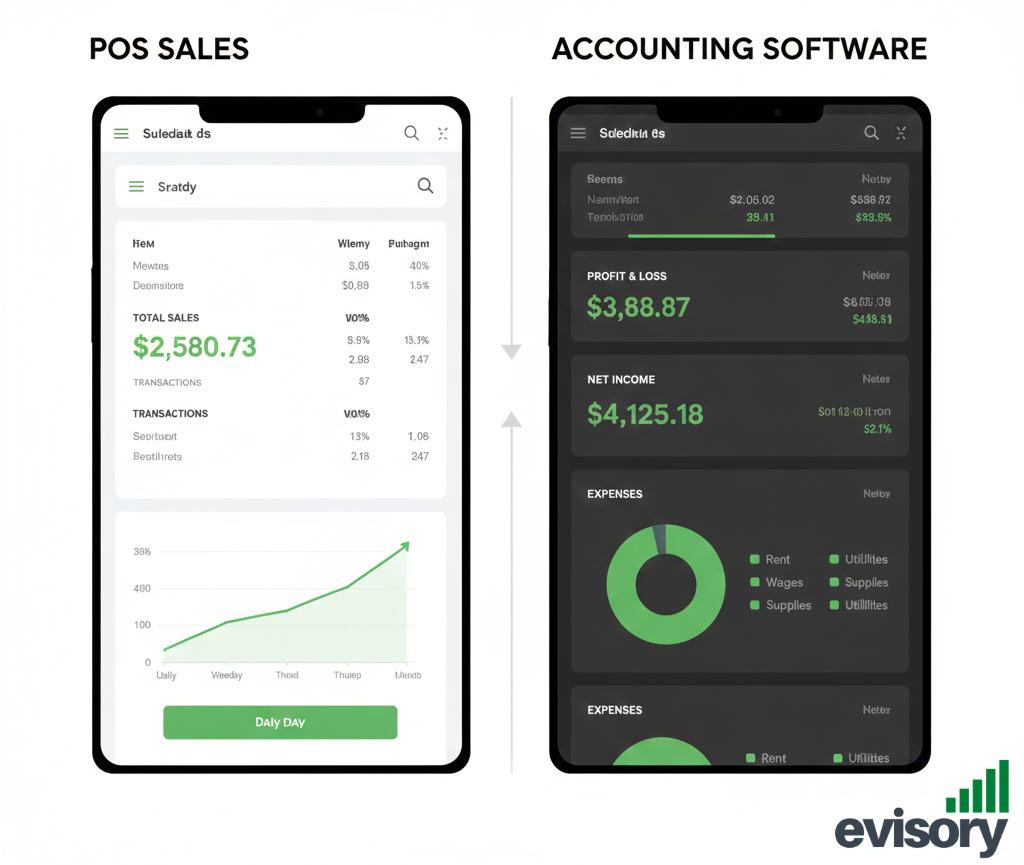
Duplicate income entries can double your reported revenue—on paper.
One of the most insidious and common errors is the accidental duplication of income from your POS system to your accounting software (like Xero or QuickBooks).
The Operational Habit: This usually happens when a business has partially automated or poorly configured integrations. For example, the POS system sends a daily "summary" journal entry to the accounting software, but staff also manually upload or enter bank transaction data, which includes the same revenue.
The Tax Delay Connection: When your records show $200,000 in revenue, but your accounting software shows $400,000, your entire ledger is inflated. Your accountant must spend hours meticulously comparing the POS reports against the bank feeds and accounting software entries, filtering out the duplicate transactions, often line by line. This can delay the start of your tax preparation by days and significantly complicates your BAS (Business Activity Statement) reporting, risking overpayment of GST.
The Simple Fix:
• Audit Your Integrations: Work with your bookkeeper or accountant to ensure your POS system and accounting software are linked via the most accurate method. If the POS pushes the data, ensure you are not also importing the corresponding bank transactions as income—you are only importing them for reconciliation against the POS entry.
• Establish a "Single Source of Truth": Decide whether your bank feed or your POS is the primary source of revenue data, and configure the other to match or be excluded from income entries.
2. The Missing Close: Failing to Complete End-of-Day Procedures
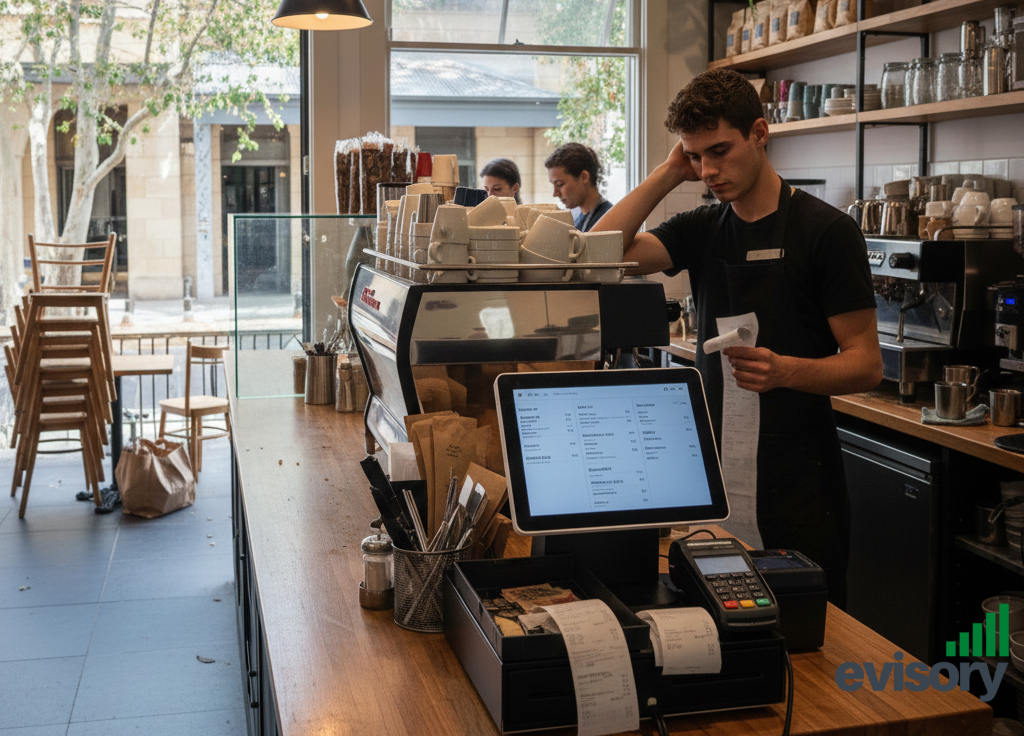
Skipping daily POS closeouts leads to reconciliation chaos.
In a busy pub or cafe, it's easy to just "log out" and leave the cash float for the next day. However, skipping the formal "End-of-Day" or "Z-Report" closure process on your POS system is a recipe for monthly reconciliation chaos.
The Operational Habit: Staff fail to run the daily closing report, count the physical cash, and input the cash-counted total into the POS system. The system just keeps rolling the day's transactions into the next day, resulting in one massive, convoluted weekly or monthly entry.
The Tax Delay Connection: Without a formal daily close, you lose the ability to accurately track cash discrepancies. This leads to a consistent, unexplainable monthly surplus or deficit (money counted vs. money recorded). An accountant cannot confidently file your taxes or BAS without reconciling this "float difference." They have to manually track back to find where the daily cash floats were miscounted, or if the POS terminal was incorrectly closed, potentially flagging the business for cash handling issues.
The Simple Fix:
• Mandate Daily Z-Reports: Make running and printing the Z-Report (or equivalent) a non-negotiable part of the closing checklist.
• The Three-Way Match: Ensure your closing procedure matches: 1) POS Recorded Sales, 2) Physical Cash Count, and 3) Banked Totals (electronic and cash). Any difference should be noted immediately on the report and investigated.
3. The Uncategorised Sinkhole: Generalising Transactions and Products
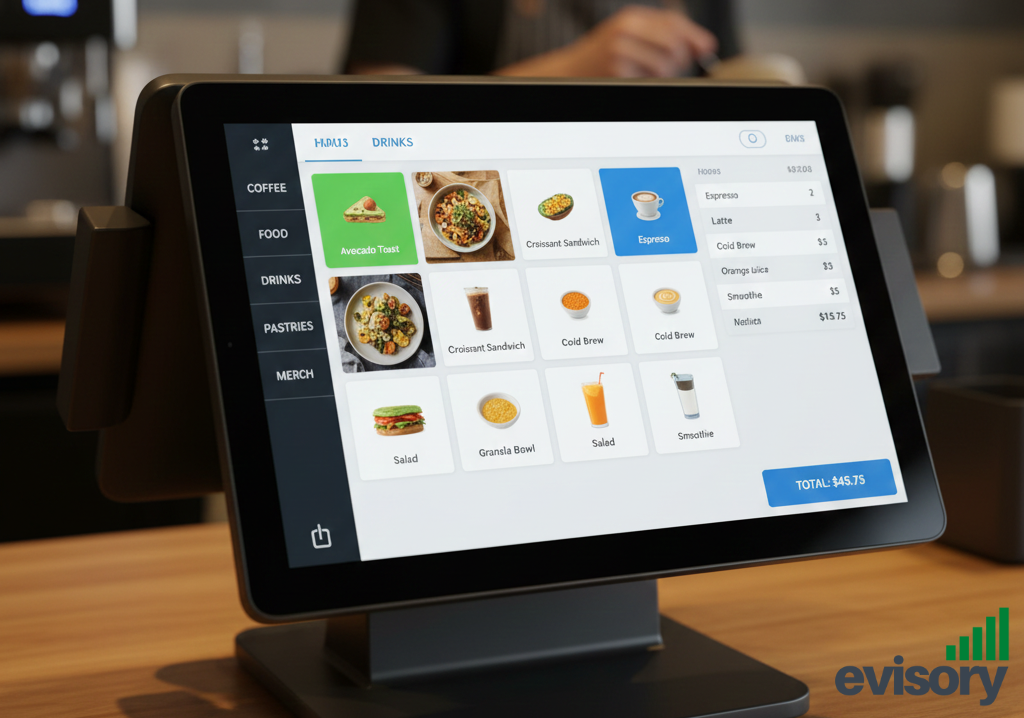
Incorrect categories = incorrect GST reporting.
Your POS system allows you to categorise sales (e.g., "Food," "Alcohol," "Merchandise," "Vouchers"). Your accounting software needs specific General Ledger codes (e.g., "GST-Free Food Sales," "Alcohol Subject to WET"). When these don't align, everything gets dumped into a single bucket.
The Operational Habit: Setting up products in the POS with broad, generic categories (i.e., just "Sales") or, worse, not applying the correct GST/tax codes to various products; for instance, a certain class of bread that is supposed to be tax-free is classified under 10% GST.
The Tax Delay Connection: The Australian Tax Office (ATO) require detailed segmentation of revenues, specifically for GST and income tax purposes. If your POS is sending all data through as one big "Sales" figure, then your accountant will have to manually trawl through the product list in order to separate:
• GST-Free Sales (most basic food)
• GST-Applicable Sales (most restaurant meals, alcohol, services)
• Sales of Vouchers/Gift Cards (which are not revenue until redeemed)
Failing to properly categorise means your accountant cannot quickly and accurately calculate your Net GST Payable on your BAS, leading to delays and potential non-compliance.
The Simple Solution:
• POS Category Mapping: Ensure every single POS category is explicitly mapped to the correct, corresponding General Ledger account in your accounting software.
• Tidy Up Tax Codes: Conduct a quarterly audit of your POS product list to ensure all items have the correct ATO tax code applied, particularly for mixed-use items (e.g., packaged goods vs. prepared meals).
4. The Inventory Disconnect: Stock-Takes Outside the System
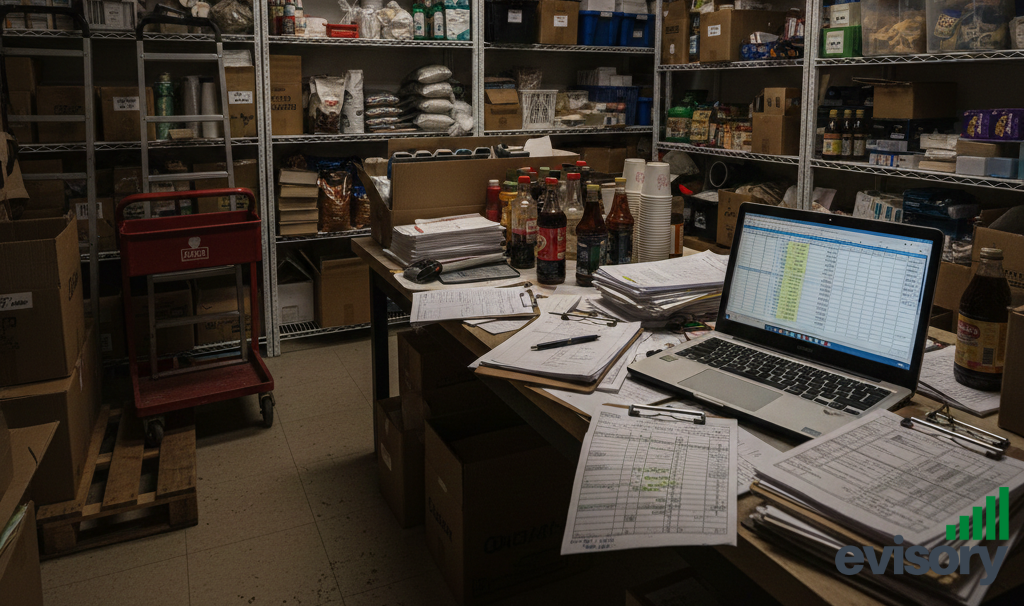
Disconnected inventory systems hide your true profit margins.
Stock control is notoriously difficult in hospitality, but a common operational error is tracking inventory and Cost of Goods Sold (COGS) in a separate spreadsheet instead of integrating it with the POS/accounting system.
The Operational Habit: Daily sales are tracked by the POS, but inventory movements (wastage, transfers, receiving new stock) are tracked manually or in disconnected systems.
The Tax Delay Connection: The ATO requires accurate reporting of Cost of Goods Sold (COGS), which is crucial for determining your true profit margin and taxable income.
If your inventory numbers are in a messy, external spreadsheet, your accountant cannot easily verify the COGS. They must spend time cross-referencing supplier invoices (in your accounting software) with your manually calculated stock-take figures, creating a huge administrative drag and potentially raising red flags about the accuracy of your gross profit.
The Simple Fix:
• Integrate Inventory: Where possible, use a POS or a third-party application that integrates inventory tracking with both your sales and your accounting software.
• Regular Physical Counts: Commit to a regular (at least monthly) physical stock-take and ensure the results are entered back into the system to keep the COGS calculation accurate.
5. The "Tipping" Confusion: Handling Gratuities Incorrectly
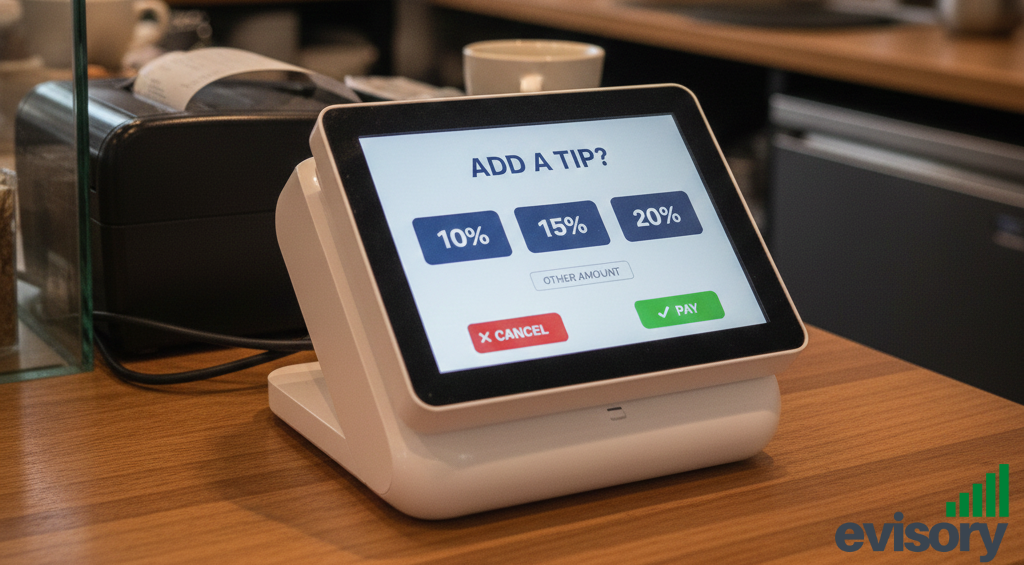
EFTPOS tips need correct tax treatment to avoid ATO issues.
Tips and gratuities are handled differently for GST and payroll purposes depending on whether they are paid directly to the staff or pooled and distributed by the employer. Getting this wrong creates payroll headaches and GST errors.
The Operational Habit: Gratuities paid via EFTPOS are recorded by the POS as "Sales," but they are actually disbursed to staff via payroll.
The Tax Delay Connection: If EFTPOS tips are simply recorded as revenue by the POS, your total income is inflated, and you may be incorrectly reporting and paying GST on money that doesn't actually belong to the business (if the tip is passed directly to staff). Your accountant has to manually identify the tip portion of every EFTPOS transaction and reclassify it, adding complexity to both your income statement and your payroll reporting.
The Simple Fix:
• Dedicated POS Button: Create a dedicated, zero-rate GST button in your POS specifically for "Tips/Gratuities."
• Clear Policy: Have a clear policy on how tips are handled and ensure your POS setup reflects whether the tips are classified as non-taxable income (passed directly to staff) or business income (taxable, then processed through payroll).
Stop Losing Tax Time!
Tax season doesn't have to be a yearly scramble. The foundation of stress-free accounting lies in fixing these simple, day-to-day operational habits within your POS system. By ensuring data flows cleanly, accurately, and with proper categorisation from your till to your ledger, you are not only saving money on accounting fees but also getting a clearer, real-time picture of your business's financial health.
A clean POS system today saves weeks of tax stress tomorrow.
Our full guide includes a 1-page pre-tax checklist that will help you audit your POS system and ensure a clean run-up to the ATO deadline.